
What You Need to Do
Accept the WoodsCo invitation presented by the in-game woodscord-style screen. The required interaction stays inside the simulated browser page.
Use the WoodsCo invite that opens inside the game. Select Enter WoodsCo on the simulated woodscord page; when the button changes to Joined, the level completes and progress is saved. You do not need to find or join a real Discord server, and you should not follow an outside invite link for this step.
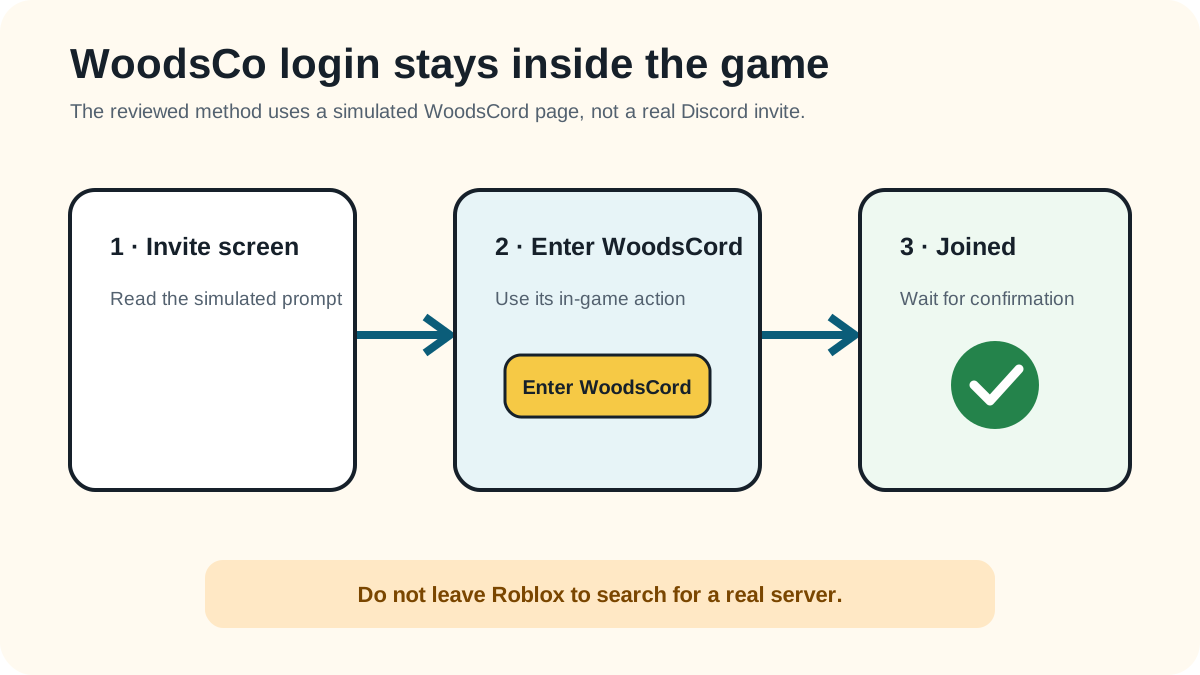
Accept the WoodsCo invitation presented by the in-game woodscord-style screen. The required interaction stays inside the simulated browser page.
The invite button reads Joined and the game displays the level-complete and progress-saved notice.
Retry the method itself first. These failure checks stay within what the reviewed gameplay can support.
You search for an outside Discord invite instead of using the page already open in the game.
You leave before the invite changes to Joined and progress is saved.
You press a browser or menu control instead of the green Enter WoodsCo button.
Reviewed 2026-08-23 · action 00:02:30–00:02:32
The invite, Enter WoodsCo action, Joined state, and progress-saved notice are visible.
Source footage was reviewed locally and is not republished here. Skip was not used. Game version was not displayed. An independent replay test is still pending.
Reviewed by: TheLoginGame.wiki Editorial Team
Frame-by-frame gameplay review showing the prompt, player action, and explicit success state. No Skip was used as evidence.
See something different in the current game? Report a correction with the page URL, game version when known, and creator-owned evidence.
Anonymous feedback helps prioritize which verified guide needs another replay check.
No real external Discord action is shown or required. Use the WoodsCo invite screen that appears inside the game.
Choose Enter WoodsCo on the green button, then wait until it changes to Joined and the game saves progress.
No. The verified route uses the in-game simulated invite already provided for the level.